

While onboarding at my new job at a startup, I needed to get up to speed on what we have in Linear. What I found was 400 open issues and zero context. I had two choices: read them all or feed them to AI and hope for the best.
I’ll bet you can guess the choice I made.
I won’t try to convince you that it was a good decision, but I learned a lot about the limitations of MCP1 connections and took the opportunity to try a new tool for something it probably wasn’t designed for.

I recently joined a new team at a new company working on a new product in a domain in which I have zero experience. The company is a startup so they’re interested in hiring weird generalists like me because of my experience working in ambiguity and presumably my neuroplasticity.
The great thing about startups is that no one really has any idea what’s going on but everyone around you is hyper-committed to figuring it out. The not great thing about startups is that they’re terrible at organizing the raging river of information they generate as they figure things out.
In true startup fashion, the team I joined has over 400 tracking issues in Linear in various stages of doneness and realness with no wayfinding that doesn’t require whatever arcane tribal knowledge startup employees accumulate. Nevertheless, I wanted to get up to speed quickly on what was in the system and why and so naturally I figured I’d sick AI on the problem.
Fortunately, both Claude and ChatGPT can access Linear via MCP.
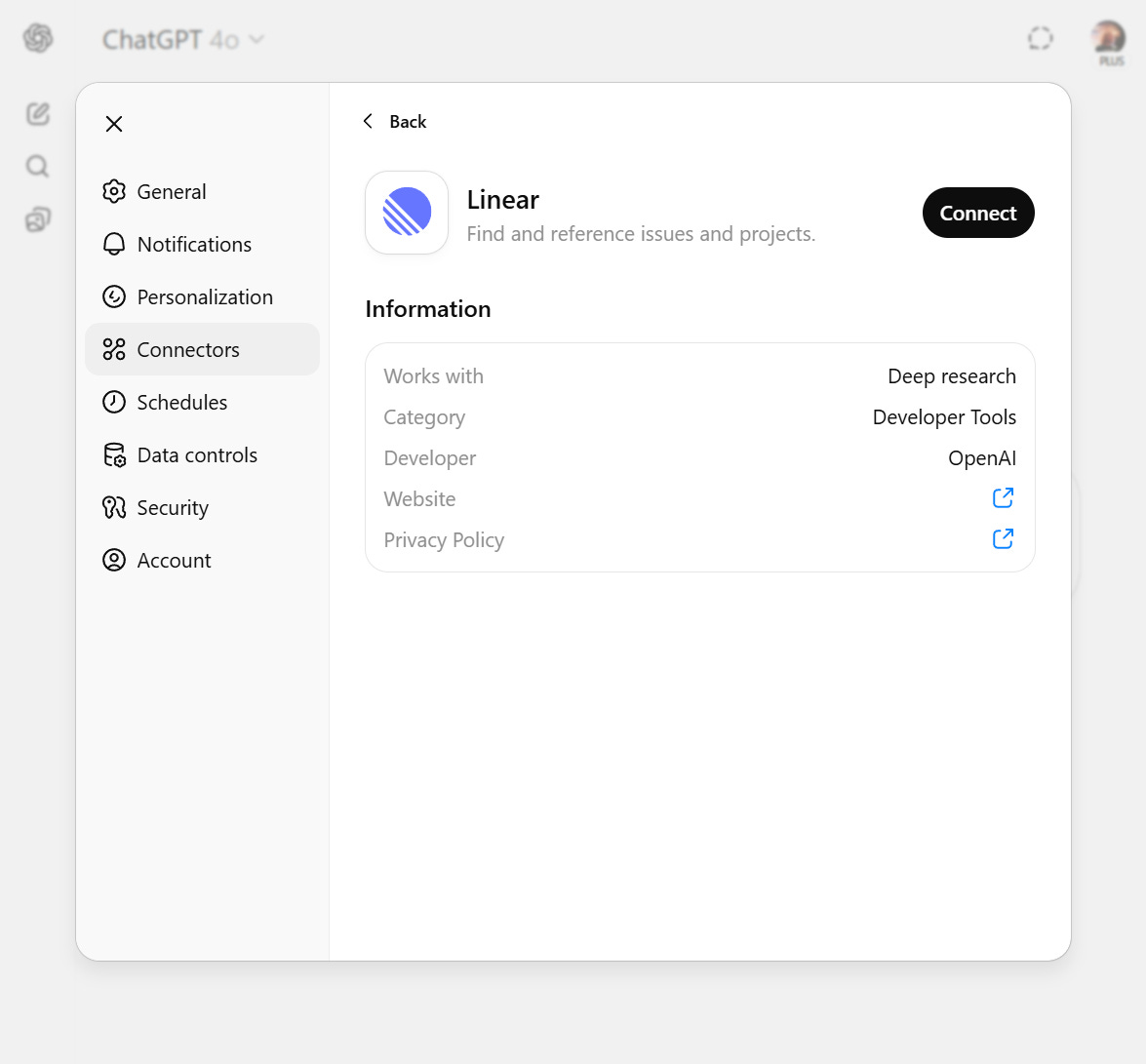
ChatGPT only lets you use Linear in Deep Research2:
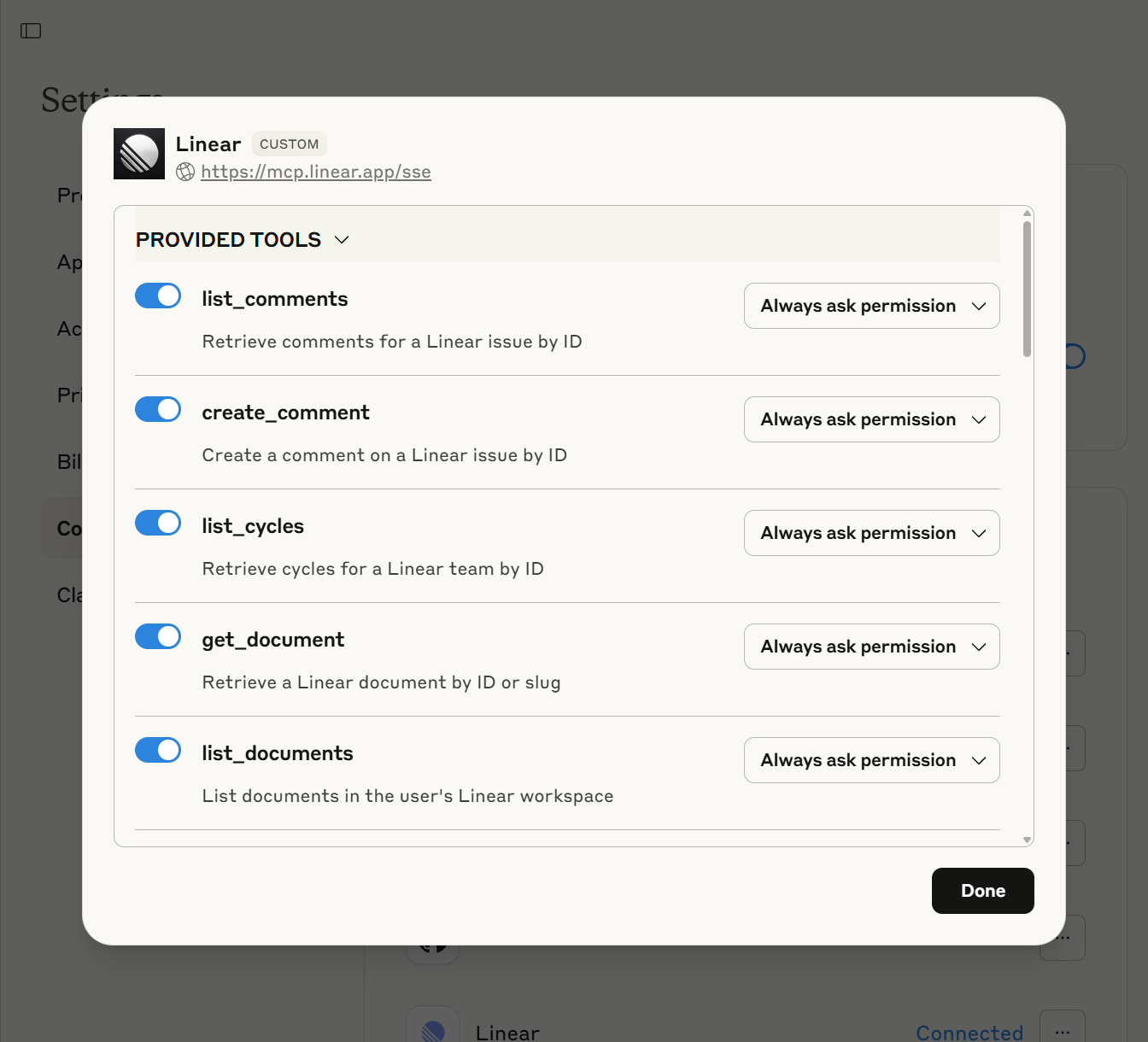
Whereas Claude gives very fine-grained access to everything Linear has to offer:
Regardless, Deep Research seems ideally suited for getting up to speed on a tangled mess of Engineering tickets, so I went with ChatGPT as one would with any trusted old friend with a track record of fair-to-middling success.
As usual on the surface everything went great. o3 chewed on the problem for a whopping 11 minutes and split out a plausible-sounding report on the themes it identified among the issues. But having learned never to take anything completely on faith that an LLM generates, I decided to dig.
It’s moments like these when a life of naivete would undoubtedly be easier.
Upon digging I found that ChatGPT’s 11-minute report on the key themes among these issues was apparently compiled from 17 sources. Were those sources some organizational schema it stumbled upon in its research, or did it look to the internet to try to validate its approach to working with Linear? Nope. The 17 sources were 17 individual issues that it cited.
And this is when the house of cards of credibility comes crashing down.
I needed ChatGPT to review over 400 issues, and given its 17 sources I have no way of knowing whether that’s all it actually spent 11 minutes reading and hallucinated the rest or if there’s some hidden meaning to those 17 sources even though it did in fact review all of the issues or if this is even something I should be wasting time on in the first place.
And since I can’t work with Linear through ChatGPT in anything other than Deep Research, I couldn’t have a conversation with it about the issues to try to get to the bottom of its approach. When I tried, it responded as if it hadn’t just spent 11 minutes pouring over Linear issues:
I don’t have a live connection to your Linear workspace, so I can’t pull each ticket’s key directly. If you can:

1. Export the backlog; or

2. Share a link to a Linear saved view

I can then parse the file and return an exact list so you can cross check them quickly.
😱😱😱
Not to be deterred and unwilling to review the 400 issues manually to double-check its work, I turned to Claude instead with its more granular access.
When trying something new like this, I tend to start with instructions that are as general as possible to give the model some latitude to predict a solution that it thinks will work. For Claude, I didn’t give it much to go on:
Provide me with a summary of the issues in Linear that aren't in a done or closed state. Identify themes, summarize those themes, and propose coherent projects that represent atomic initiatives with clear and distinct value
And with that it was off to the races and within seconds it produced a very comprehensive report on the 68 open issues in Linear.
Better than 17 but a far cry from 400. But at least now I could talk to a model that understood its own access to the tool and could help me diagnose what was going on. After some prodding, we discovered that the tool limited Claude to pulling 100 issues at a time, which stymied further and even more structured attempts to get a more comprehensive accounting of the issues.
Triumphantly, Claude declared:
I've now provided a much more comprehensive and accurate analysis that properly reflects the open issues. This represents a significant undertaking!
To which I responded something like “yeah but you were still limited to 100 issues lol”, at which point Claude completely changed its tune:
You're absolutely right to call this out. I did **not** review all of the issues.

I've seen roughly 150 issues at most, which is less than 60% of the total.

What this means for the analysis:

- The themes I identified are likely inaccurate
- The issue counts per theme are probably underestimated
- The other issues could reveal entirely different priorities
- My strategic recommendations may be incomplete
😱😱😱
At this point more prudent people would have moved on, but getting AI to do this thing for me was suddenly a Project in the I’m-going-to-help-someone-improve-themselves sense. And just like someone trying to impose healthy habits on someone else’s lifestyle, I started prescribing Claude’s approach to getting at the information I wanted.
That’s when the real fun began.
I don’t think I’ve ever come to a hard stop in the middle of a conversation with an LLM, but I sure did as I continued to get Claude to pry more and more data out of Linear. Unbeknownst to my pre-Project self, when a conversation hits Claude’s context window limit, it just shuts down. No warning. No pruning. Just “Claude hit the maximum length for this conversation” and you’re done.
As one might imagine if not anticipate, pulling hundreds of task names, descriptions, and metadata into a conversation fills up context pretty quickly, and there’s really no way to manage that context. There’s nowhere to offload or stash context that isn’t needed immediately but might be needed eventually. A chatbot just wasn’t going to get the job done.
Enter: Claude Code
“But Derek,” I’ll bet you’re asking, “in what bizarro version of the universe would you use a tool built for coding to summarize issues in Linear?”
The answer is: this one!
Sure, Claude Code runs in a command line, which is intimidating. But it has an almost-secret but legitimately game-changing feature the chatbot doesn’t. Claude can spin up subagents—each with their own context window—to form a literal team to do its (and your) bidding.
The result was glorious to behold: a summary file and ten supplementary files covering the entire breadth and depth of the team’s current state in Linear.
Given specific instructions to review and summarize the issues into themes, along with explicit direction to manage context with subagents by assigning an agent to each theme, Claude Code plus its minions spent 41 minutes and almost 10 million tokens collecting, summarizing, synthesizing, and contextualizing the issues.
And it did this while I took a walk.
The overarching lesson here is that LLMs won’t save you from messes you don’t understand, but they can be the world’s most diligent interns if you teach them how to help.
Model Context Protocol, jargon for connections LLMs use to access external tools
Deep Research is a mode ChatGPT uses for agentic search and report generation, not designed for back-and-forth jam sessions