

Today a coworker of mine used an obscure Star Trek: The Next Generation reference, so I found some kinship with someone who would definitely get my reference1 to “a Roddenberry-esque version of the future”. Meanwhile, world models like Genie 3 are getting us closer to holodeck tech than I thought I’d see in my lifetime.
Until then, there’s no shortage of workflow annoyances that I keep trying to automate away with AI.
Is it really laziness if I spend more energy coming up with a way not to do something than I would have spent just doing it?
Google Drive and Claude Code
In the course of our time together, I may have already mentioned that I’m sort of a data hoarder. I’m not quite sure when or why this happened, but as the cost of digital storage approached zero I just started habitually keeping everything. I use Obsidian as my personal knowledge management tool of choice, which plays nicely into my AI fanaticism because it’s just a UI layer on top of a bunch of markdown files synced across devices via the cloud.
I recently started using Claude Code with Obsidian, and this Mckay Wrigley walkthrough was a huge unlock not only for Claude-assisted notetaking but also for the broader implications of using Claude Code for … well … not code.
Now, equipped with a cheat code to organize things in Obsidian more effectively and with less effort, I’ve been working on moving all sorts of things into Obsidian that I’ve been putting off, like the maintenance records for my house that I’ve been meticulously curating as PDFs in Google Drive for the last three years.
Unfortunately, there’s no official MCP server for Google Drive, and while folks certainly haven’t let that stop them, each available solution2 I’ve found was just too technical for me to invest a bunch of time into. Remember that at my core I’m very lazy.
With no way for Claude Code to talk to Google Drive, organizing these maintenance records into cleanly organized and mapped maintenance notes becomes more chore than magic.
the human way
If I were really stubborn and not very lazy, I could download the files from Google Drive to store them locally, at least temporarily, while I let Claude Code go to town on summarizing, linking, and organizing.
But there are a lot of ‘em.

Prior to getting comfortable with Claude Code, I could have manually converted maintenance records from PDF into Obsidian, probably with shoddy summaries and an empty promise to myself to make it better later.
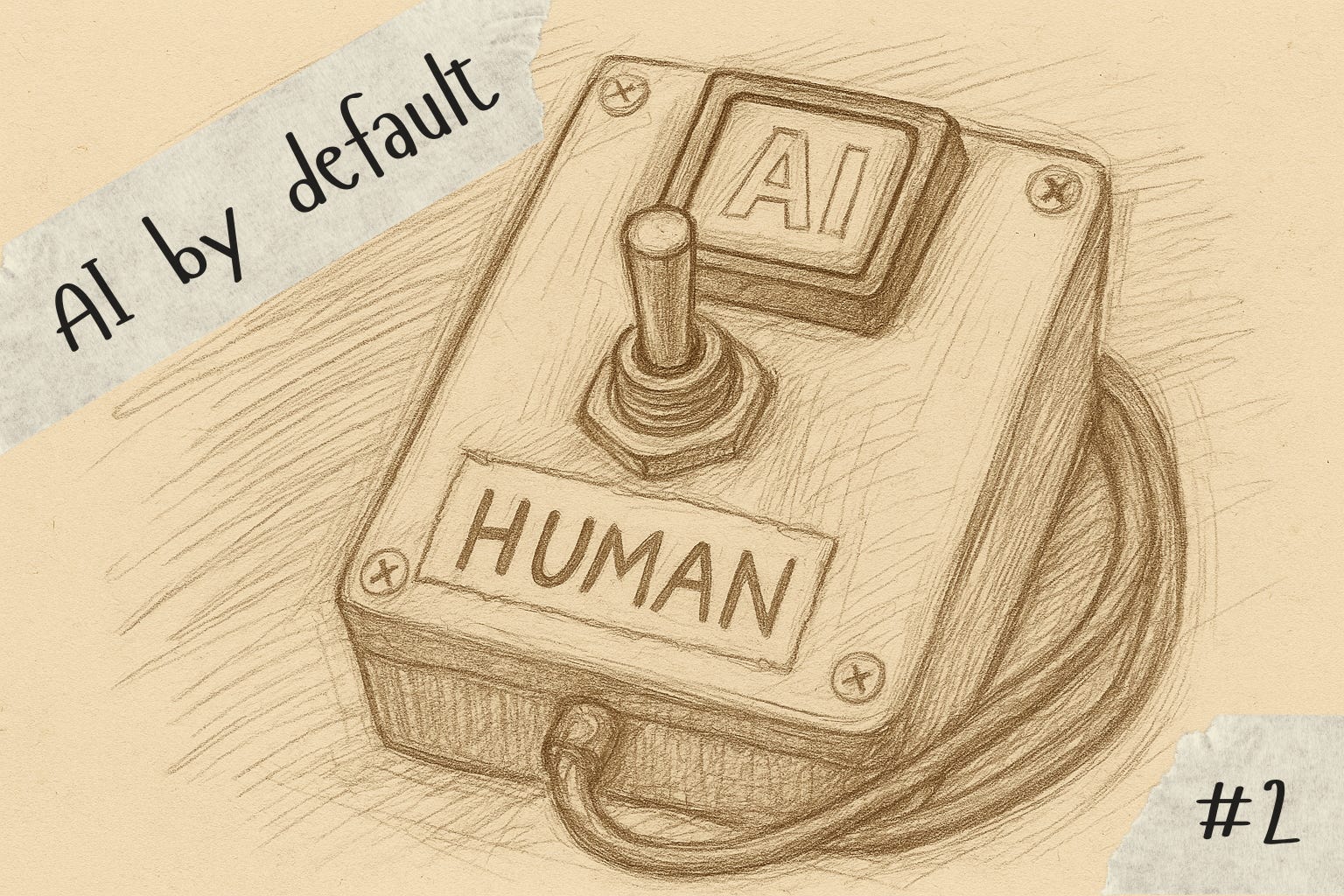
AI by default
That’s when it hit me: you can use Google Drive on desktop, and it looks and feels just like a real hard drive. On Windows you can get to it with a drive letter like G:\ and on Mac it looks just like any other folder you can get to in the Terminal.
And if you can get to it in the Terminal, Claude Code can make it yield to its whims.

Now what works like a dream is having a home-docs-manager subagent that Claude Code can invoke whenever I want to convert an invoice or statement of work into my personal knowledge graph. I don’t have to think about formatting, tagging, or even what information to pull out of a document and into Obsidian. The agent just knows what to do.
videos > web apps
I’m not ashamed to admit that I don’t know much about the accounting profession, and I know even less about the tools of the trade within the top firms that Aiwyn counts among its customers. Fortunately, this is a hot topic in some circles, and I’ve discovered that there is such a thing as an accounting influencer who covers a lot of these tools in-depth.
The tricky bit is translating great content into something more succinct that I can learn and use in my day-to-day work.
the human way
One of the folks I work with shared this podcast episode that lines up the tax prep workflow alongside tools and approaches to accomplishing each workflow step, which is exactly the kind of content I need to get up to speed quickly.
My first instinct was to map out all the steps using Miro, just following along, plucking out each step, and listing out the approaches and tools the podcast host references throughout the show. My gut tells me this would have been about two hours of work even listening on 1.5X as I paused to note things and make sure the map was coherent.
Honestly, it’d have been time well spent, even if it fried my brain a bit.

AI by default
I had Miro open and was starting to make a series of rectangles to start to map things out, when that old friend laziness came ‘round again to make me question my habitual choices.
Why do you have to draw the rectangles? it asked. AI is great at drawing rectangles.
Rather than exploring the MCP route this time, I decided to go all out and like a crazed product management mage speak a web app into existence that mapped out the ecosystem of tax prep tools. But I needed a summary of the podcast content, which was surprisingly hard to get.
I assumed Gemini could summarize YouTube content, but boy was I wrong. In a hilariously terrible exchange, Gemini first insisted that I was providing it with an invalid YouTube link (I wasn’t) and then insisted that it wasn’t making up a summary of the video (it was). The best quote of the session: “I assure you, the information about the Marques Brownlee video was not made up.” (The video was from Jason Staats.)
Finally I remembered that NotebookLM supports YouTube videos as sources, and I was off to the races with having it give me a well-organized summary of the tools and workflow mentioned in the video.
As an admittedly somewhat unhinged next step, I then took to Replit and asked it to map out what was in the summary. After some iteration, we landed on something that’s both useful and functional that I’m quite happy with.
You can check it out here: https://tax-workflow-map.replit.app/
I’ll admit that it took me a bit longer than two hours of elapsed time to complete the task, but it was way less than the two hours of sustained mental energy that mapping it all out manually would have required.
meeting recordings > insights
A big part of building a product from the ground up is talking to a lot of people who will hopefully eventually use said product. We now live in an era in which it’s mostly customary for AI notetakers to outnumber human participants of video calls, so almost all of these conversations get recorded.
The AI notetakers mostly do a passable job of taking notes, but each individual tool’s approach to summarization, templates, pulling out action items, etc. are all just slightly different, and I could be working with a Fathom recording one day, a Fireflies recording the next, and a Loom walkthrough later that same day.

It’s… a lot.
the human way
Lots of folks still swear by taking notes in real time, and other people are diligent about poring over recordings, more or less reliving the experience, in order to pull out insights. This has its merits, and it’s not my intention to start or settle a debate on whether this sort of activity is best served through human attention.
Remember, I’m lazy.
AI by default
So in another plug for Claude Code for not-code, I’ve taken to dumping raw transcripts into a folder and setting Claude loose with its team of agents to make sense of the call recording chaos.
I have a custom slash command that I set up for this very purpose. That means I can type something like this:
/synthesize-transcript loom-recording.txt
… and Claude will whir and burr its way through a predefined process that will:
Take an often messy transcript and nicely format it into a markdown file using a
transcript-formatteragent we created, thenPull out insights supported by quotes into a separate file with a
transcript-synthesizeragent, andFinally, if instructed, create a Linear project or a set of Linear issues for those insights using the
linear-issue-creatoragent that’s become a mainstay for all sorts of issue-writing tasks.
Just knowing this workflow exists completely eliminates the cognitive load associated with getting started with interview synthesis (and if I’m being totally honest I still end up rewatching the recordings a lot of the time 🫣).
I asked ChatGPT for suggestions on wrapping up this installment, and it called out my laziness as a worthwhile thematic closer, suggesting this as a way to tie everything together:
My laziness isn’t about doing nothing; it’s about refusing to spend scarce focus on work a model can do to “good enough.” When the choice is between two hours of attention or twenty minutes of supervision, I’ll take the latter and use the saved energy on the parts only I can do.
For better or worse, I can sense in that paragraph some of the subtle shifts of tone GPT-5 introduced, and it really did nail the point.
Put more bluntly, I don’t want to spend precious cycles thinking about doing the work; I just want to do the work, and that 20 minutes of supervision can free up my reserves of mental energy for the hard stuff.
See you can just say things from a few weeks ago
e.g. mcp-gdrive